
AI Arrest Filter
One photo. Not bro, again.
The “not bro getting arrested again” AI edit from a single photo: shaky night footage of you being walked out in cuffs, smiling at the camera, completely unbothered.
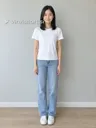
AI arrest filter generator
Walked out in cuffs at night, smiling at the camera: “not bro, getting arrested again.” 8 s, vertical, with the trend’s sound.
Add your photo: one person or pet
Works best
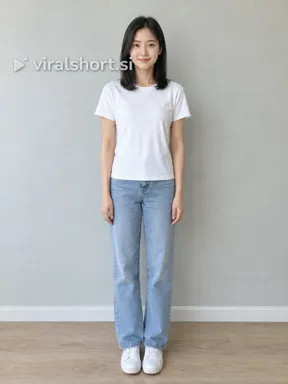 You
You
One face, facing the camera, not covered. No children or public figures.
Your photo · The one in cuffs
You, a friend, or your cat or dog. One per photo, facing the camera.
What you'll get
AI arrest filter
Walked out in cuffs at night, smiling at the camera: “not bro, getting arrested again.” 8 s, vertical, with the trend’s sound.
8 s · original sound
Pick model, quality & sound
Private by default. Never published, never used to train AI.
- Your photo is only used to make your video, and nobody reviews it in normal operation.
- Failed render? The credits go back to your account automatically.
- Want it deleted? Email support@viralshort.si and we delete it within 30 days.
- Payments run through Stripe, so your card details never reach our servers.
- Read the privacy policy
This video: 6 credits. Packs from $9.99 ($6.99 for your first order), and credits never expire. All plans · Refund policy
No subscription · Ready in ~4 min · Failed render, credits back
One photo went in. This came out.
Made with the AI arrest filter and left exactly as it rendered: one ordinary photo in, the walk out in cuffs out, with the viral clip’s sound laid back.
The person in this photo is AI-generated. Customers’ photos and videos are never shown here.
- Clip
- AI arrest filter
- Rendered
- 28 Oct 2026 · 18:36 UTC
- Outfit
- Keep my look
- Style
- Real
- Model
- Fast · Seedance 2.0 Fast
- Format
- 9:16 · 480p
- Length
- 0:08
The person in this photo is AI-generated. Customers’ photos and videos are never shown here.
What you get
The perp walk
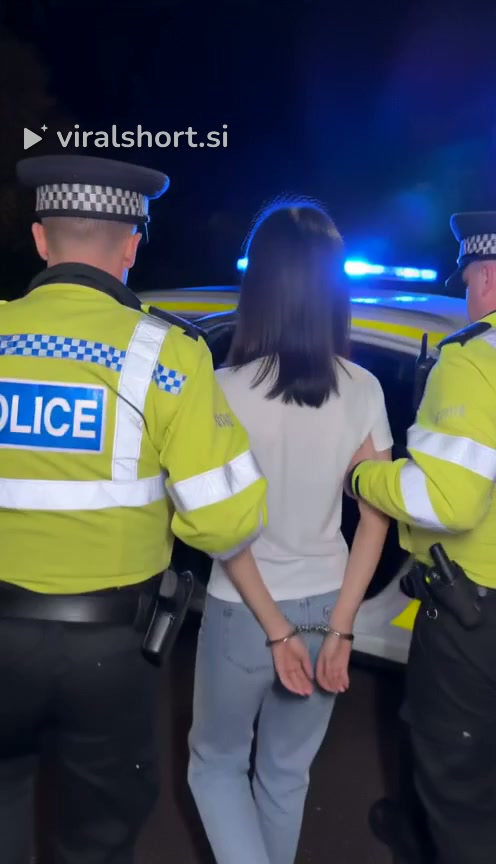
Two officers walk you out of a house and down the path at night, hands cuffed behind your back, filmed on a shaky phone that backs away in front of you.
The smile
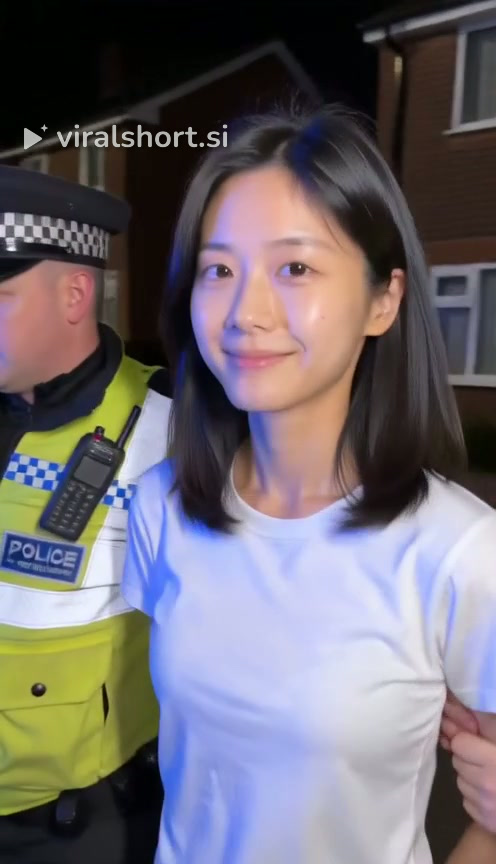
Blue and red light sweeps across your face; you look straight into the camera with a slow, contented smile, then walk past it to the patrol car, looking back over your shoulder.
The sound
Pick Trend music to get the viral clip’s sound over your video, or No music to keep the video’s own night-street sound (footsteps, police radio, a distant siren).
What is the AI arrest filter trend?
An AI edit that took off on TikTok in September 2026, spread by CapCut templates: from one photo, a friend is walked out of a house at night in cuffs and smiles at the camera like nothing is wrong. It is usually posted as “not bro getting arrested again” or “me happily going to jail”.
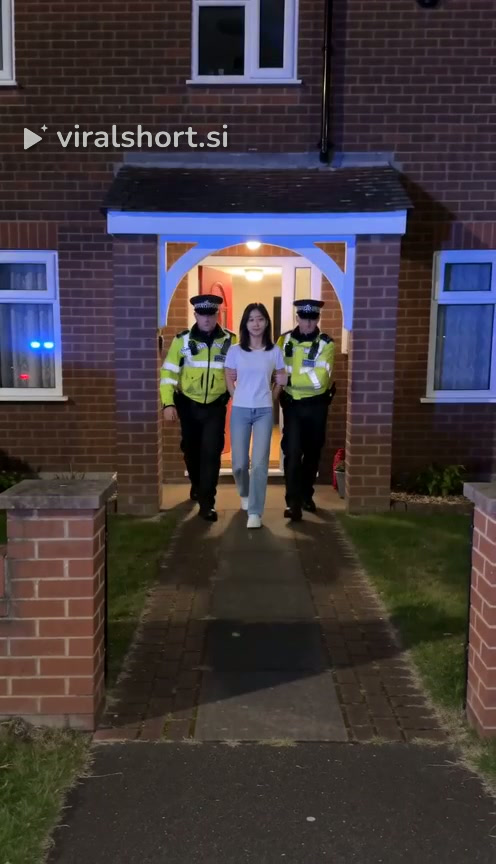 1
1Out the front door
Two officers walk you out of a lit doorway at night, one on each side, hands cuffed behind the back.
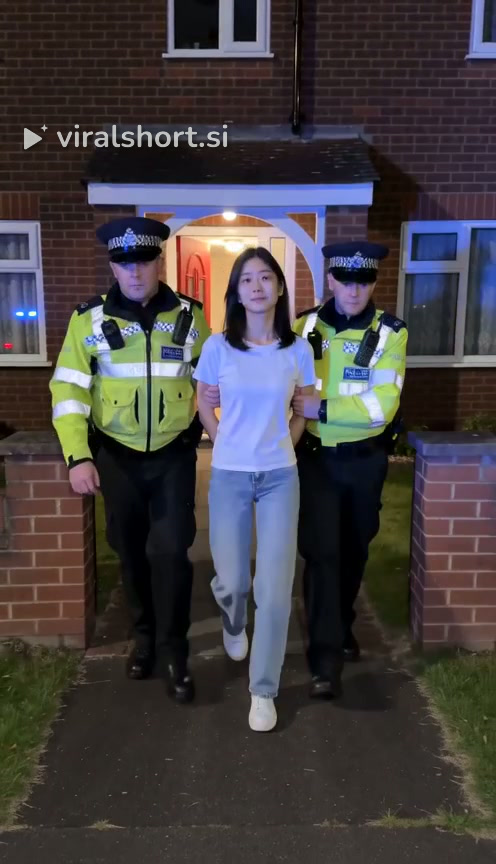 2
2Down the path
A shaky phone backs away down the path as the three of you walk toward it, the patrol car’s lights flashing on the house.
 3
3The smile
Close up, you look straight into the camera and smile, calm and completely unbothered. That look is the whole joke.
 4
4To the car
You walk past the phone and the camera follows from behind as an officer leads you to the patrol car, cuffs in view.
How to make the AI arrest filter video
- 1
Upload a photo
Upload one clear, front-facing photo of one adult (you, or someone who agreed) or of your dog or cat: JPG, PNG or WebP.
- 2
Pick the model, quality and sound
Choose the model (Standard, Fast, Pro or Ultra), 480p or 720p, and Original sound or No sound. The button shows the credit cost.
- 3
Pay with credits
Use credits you have, or buy a one-time credit pack at checkout. Videos cost from 3 credits; a failed render gives its credits back.
- 4
Download the video
Wait about 4 minutes, then play and download the 8-second vertical 9:16 MP4, with no watermark.
Photos that work
Works best
- One person or one pet, face clearly visible
- Waist up or full body, in everyday clothes
- Your own photo, or a friend who is in on the joke
Avoid
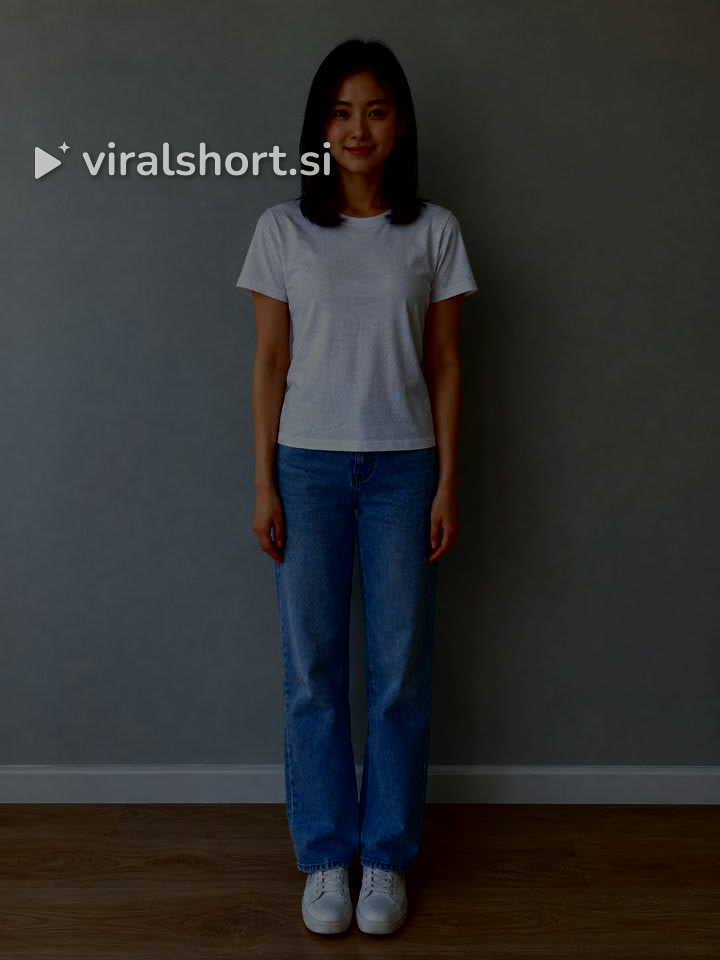
- Blurry, very dark or heavily filtered photos
- Group photos (one subject per video)
- Photos of children or of public figures
AI arrest filter: questions
What is the AI arrest filter trend?
AI clips that look like a friend filmed someone being walked out of a building in cuffs at night by two officers, while they smile at the camera. They are usually posted with a caption like “not bro getting arrested again”. The arrest is staged by AI: nobody is really arrested.
How do I make an AI arrest video?
Upload one photo, pick the model, quality and sound, and check out. Videos cost from 3 credits, with credit packs from $9.99 ($6.99 on your first order). No subscription, and if a render fails its credits go back to your account automatically.
How long is the video and what format?
8 seconds, vertical 9:16, at 480p or 720p, with no watermark. It comes with the viral clip’s sound, or with its own night-street sound if you pick No music.
Can I arrest my dog or cat?
Yes. A pet walks upright between the two officers with small cuffs on its front paws and gives the camera the same unbothered look. One pet per photo, face clearly visible.
Can I make one of my friend?
Only with their permission, and never of a child or a public figure. The video is a joke: label it as AI-generated when you post it, and don’t use it to make anyone believe a real person was arrested.
Credit packs from $9.99 ($6.99 on your first order). One-time payment, no subscription, credits never expire, and a failed render gives its credits back.
See all credit packsThe trend on TikTok
Popular AI arrest filter clips on TikTok. View counts as of October 29, 2026.
Not bro, getting arrested again.
From 3 credits a video · no subscription · no watermark · failed render, credits back
Make my video · first pack $6.99